 Donezo Inbox
Home / iPhone & iPad app
Stop managing email. Start finishing work.
Your Gmail and Google Workspace inboxes, follow-ups and important conversations in one mobile email app.

Free on the App Store · iPhone and iPad · iOS 17 or later · Version 1.0.1
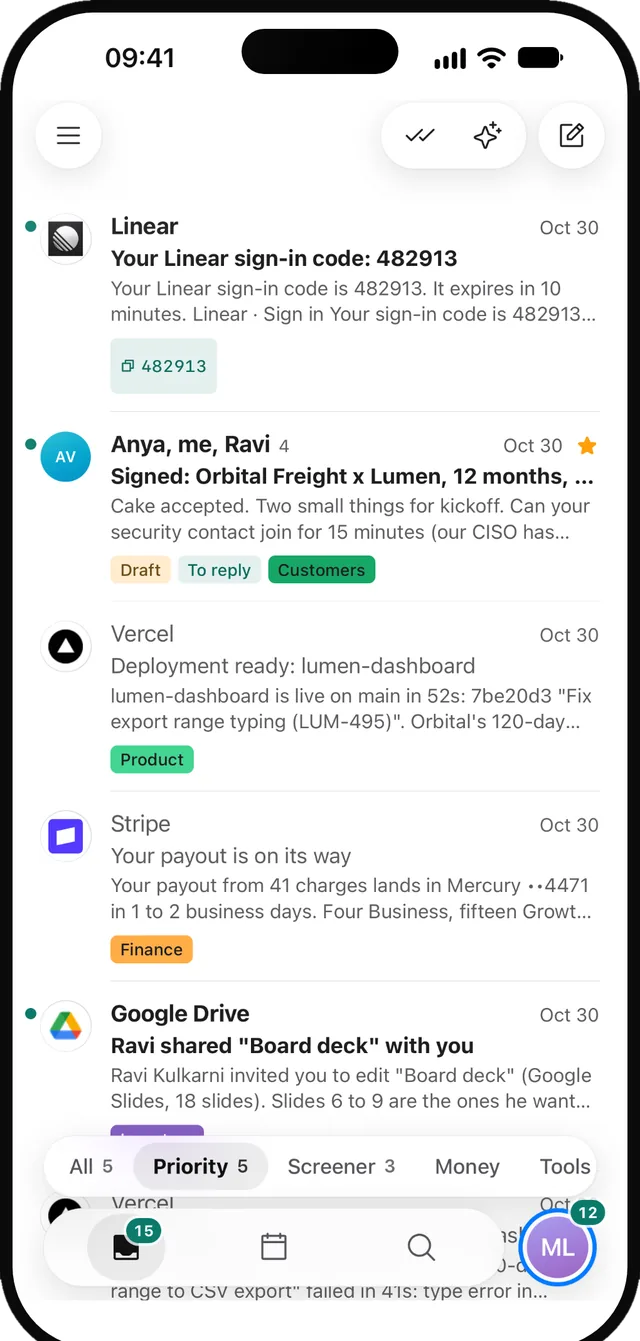
See the people who are waiting on you first.
Priority puts mail from real people at the top. Newsletters, receipts and notifications wait in their own tabs until you want them.
- Every account in one app. Add each Gmail and Google Workspace account you use and switch between them without leaving the app. When you can't remember where a conversation landed, search all of them at once. How multiple Gmail inboxes work.
- Know what's waiting. Tabs above the bottom bar split Priority from the rest, and each shows how many conversations are waiting in it.
- Catch up faster. A conversation can open with a short summary and a few suggested replies. The AI features are optional, and nothing is sent until you send it.
Donezo Inbox is what we call an Email Execution Workspace: an inbox built around making progress on what's in it, not just sorting and storing it.
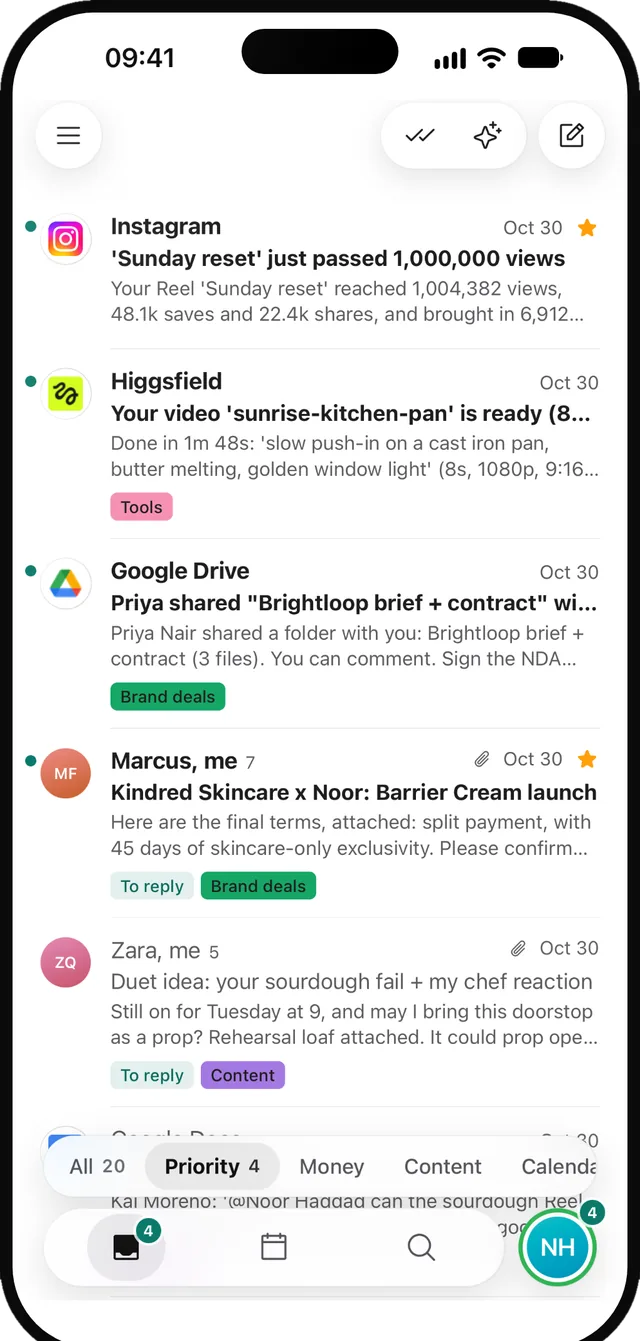
Deal with it now, or have it come back when it matters.
Most email needs a next step, not an answer this second. These are the ways to set one without writing it on a list.
- Remind me. Bring a conversation back tomorrow, in two days, next week or at a date and time you pick. Snooze, step by step.
- Only if nobody replies. Choose "if no reply" and it comes back only when the other person has gone quiet. Follow up on an email.
- Send later. Write it tonight and schedule it for Monday morning. It leaves from our servers, so your phone can stay in a drawer. Schedule an email.
- Undo send. Take a message back for up to 30 seconds after you press send. You choose the window. Unsend an email.
- Snippets. Save a reply you write often and insert it from the composer.
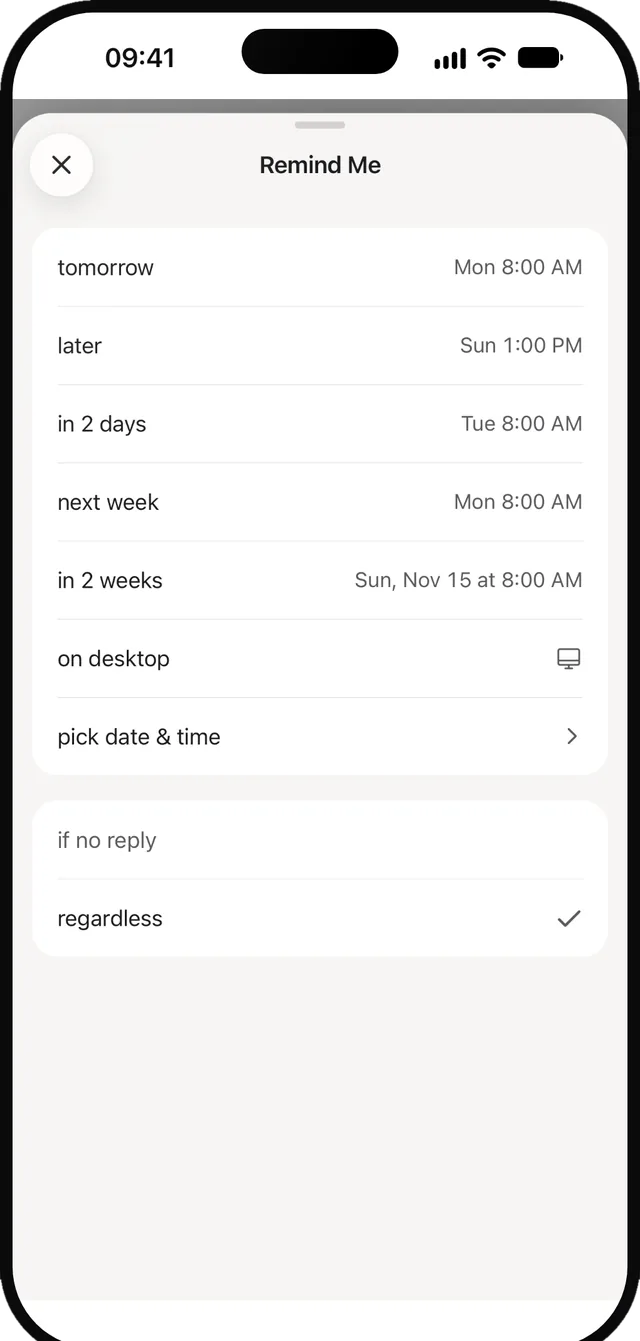
Built for the phone in your hand.
These are the parts the iPhone app adds to the Donezo Inbox you use in a browser.
- Face ID, Touch ID or your passcode. Lock the app, and choose how long it can sit in the background (right away, or 1, 5, 15 or 60 minutes) before it asks again.
- Notifications with a face. New mail arrives as a banner with the sender's initial in a round avatar, even with the app closed. Press and hold for Quick Reply, Reply, Forward, Mark Done, Remind Me or Trash. The buttons are switched off while app lock is on.
- Share into a new message. From the share sheet in any app, send a link, some text, photos or up to ten files into a new message in Donezo Inbox.
- A widget for Priority and your next meeting. On the Home Screen or Lock Screen: how many Priority conversations are unread and when your next meeting is. The meeting's title stays hidden unless you allow it in Settings.
- Swipes and a pull. Swipe a row left to mark it done, right to snooze it, and pull the list down to search. You can change what each swipe does in Settings.
- Light and dark. It follows your iPhone, or you can choose one in Settings.
Your account stays yours.
You sign in with your own Google account. Donezo Inbox reads your Gmail with the permissions you grant, keeps your sign-in token encrypted, and doesn't sell your data or show ads.
- Sign-in happens in a secure browser sheet. Google doesn't allow sign-in inside an app's own window, so the app opens Google's page in a system sheet and returns when you finish.
- The AI is optional. The assistant is off until you switch it on, drafts wait for you, and a connected assistant needs your approval to send.
- You can leave. Settings has Delete my data, which removes your account and everything we hold for it. Your Gmail is untouched.
Read the Privacy Policy, see What We Store and how we handle security.
Early access. Sign-in goes through Google, and until Google finishes verifying the app, sign-up is limited and Google may show an unverified-app notice. The demo mailbox needs no sign-in.
Try it before you connect anything.
Open the app and choose the five-inbox demo. It's a full mailbox of made-up people and mail, with no sign-in, so you can try the Priority tab, snooze, send later, undo send, snippets, search and the calendar the way they work on a phone.
The demo can't show the parts that need your own account on a device: notifications, the widget and the share sheet. For those, connect a Gmail or Google Workspace account.
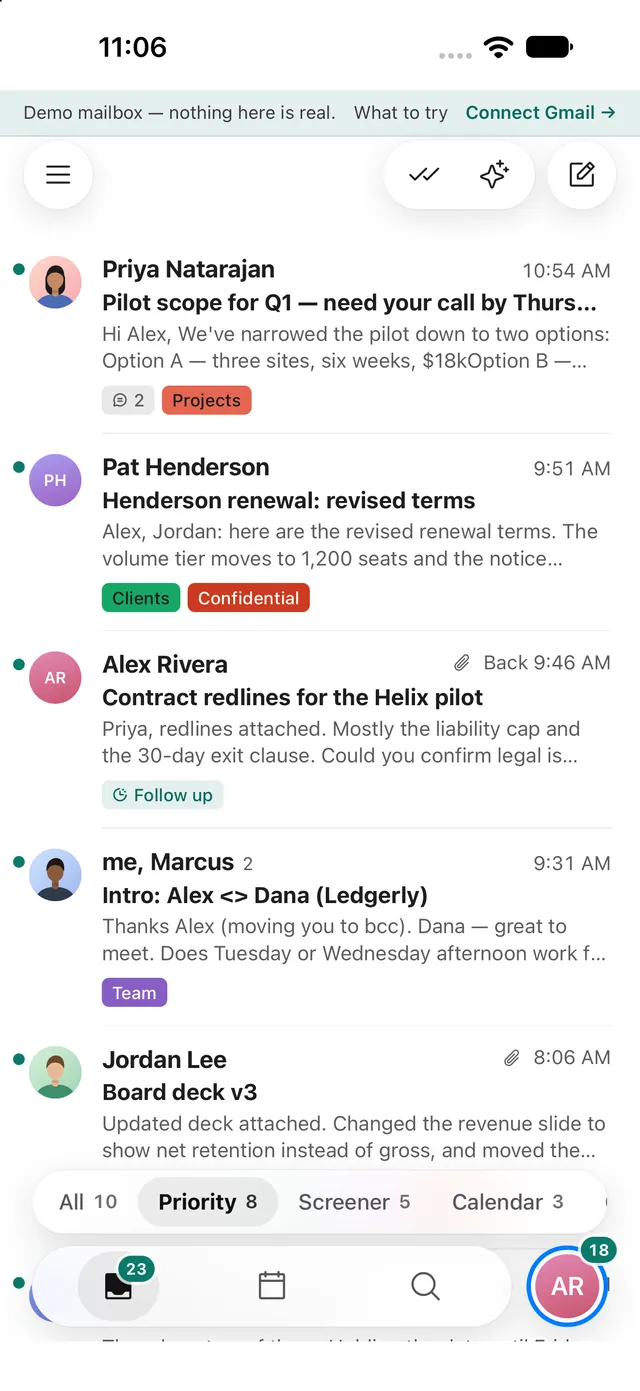
A look at the app.
Every screen here is from the app's demo mailbox. The people and the mail are made up.
The Priority tab, with mail from people first. A second account, with its own unread counts. 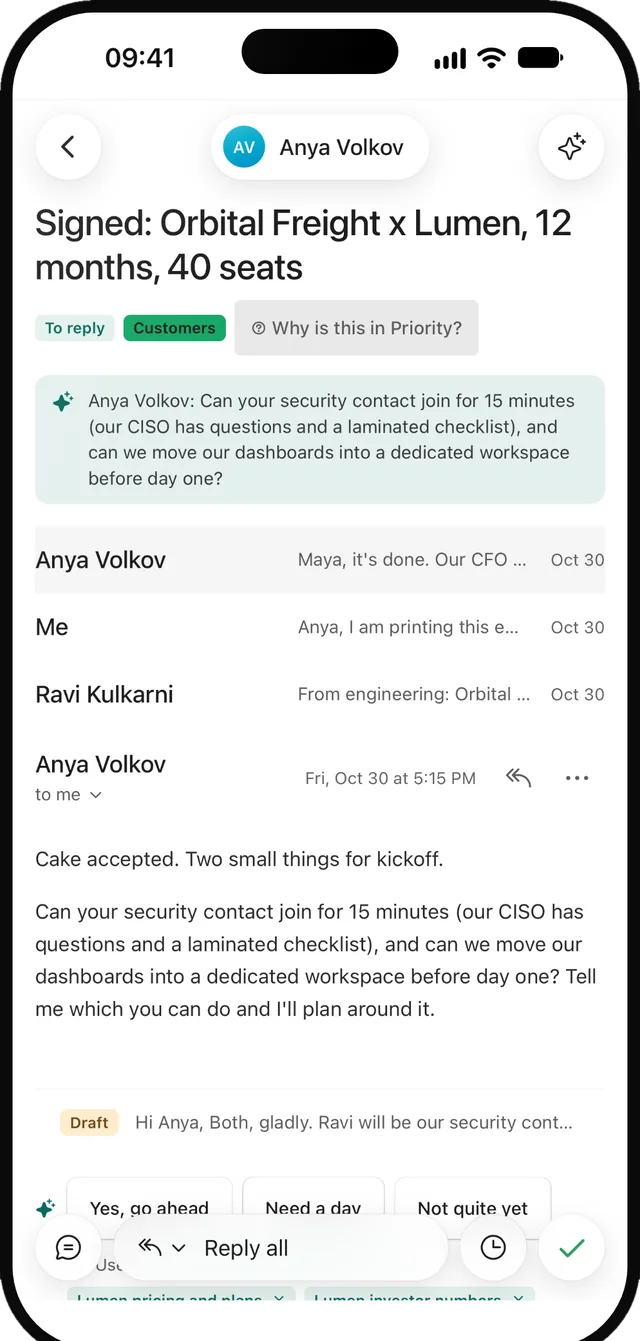
A conversation, with a summary and suggested replies. Remind Me, with the choice to come back only if nobody replies. The demo mailbox: made-up people and mail. 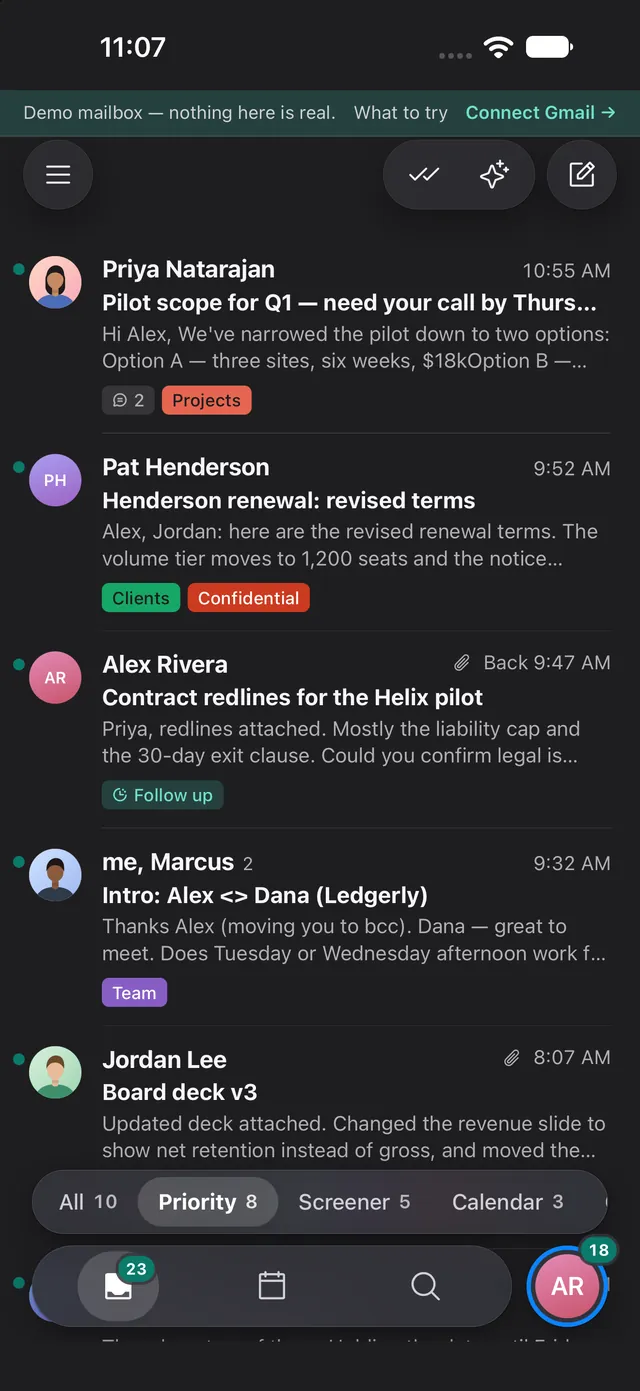
Dark mode.
Questions
Is there a Donezo Inbox app for iPhone?
Yes. Donezo Inbox is on the App Store for iPhone and iPad. It needs iOS 17 or later (iPadOS 17 on iPad), and the download is free.
Which email accounts does it work with?
Gmail and Google Workspace. You sign in with your Google account. Outlook and other mail providers are on the roadmap.
Do I have to connect my email to try it?
No. The app opens a demo mailbox of made-up people and mail, with no sign-in, and the same demo runs in your browser. The demo can't show notifications, the widget or the share sheet, because those need your own account on your phone.
Is it the same as the website?
It is Donezo Inbox in an iPhone app, so your mail, Priority inbox, snoozes and follow-ups are the ones you see in a browser. The app adds what a phone does well: notifications, app lock, the share sheet and widgets. The keyboard shortcuts are for computers; on an iPhone you swipe and tap. A few things, such as billing, are handled on donezoinbox.com and not inside the app.
Is it free?
The app is free to download. Donezo Inbox has a free plan for one inbox, and the app doesn't sell anything: if you want more than one inbox, plans are on the pricing page and are bought on the website.
Will I get notifications when the app is closed?
Yes, once you allow notifications. New mail arrives as a banner with the sender's initial in a round avatar. Press and hold it for Quick Reply, Reply, Forward, Mark Done, Remind Me or Trash. The buttons are switched off while app lock is on.
Can I use Claude, ChatGPT or Codex with it?
Those assistants connect to your Donezo Inbox account through the connector, not through the iPhone app, and you decide what they may do. Sending and other sensitive actions wait for your approval by default.
Is there an Android app?
Not yet; it is on the roadmap. Donezo Inbox also runs in any current mobile browser, and there is a Mac app.
Where is my email stored?
In Gmail, where it was. Your sign-in token is stored encrypted, and we don't sell your data or show ads. What We Store lists exactly what is kept, and you can delete your data from Settings.
Get Donezo Inbox on your iPhone.
The email isn't the work. It's where the work begins.
Free on the App Store · iPhone and iPad · iOS 17 or later · Version 1.0.1
On a Mac? Download the Mac app. Weighing your options? Gmail email clients, compared.